

Placed for you
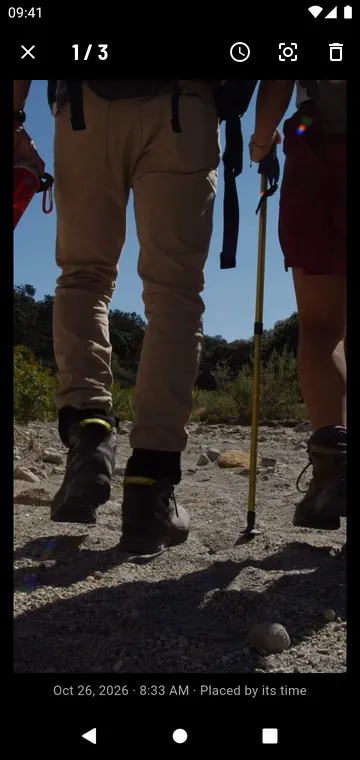
Add photos to a track and GPX Atlas places each one where you were when you took it, from its time; or from its location when the photo has one; or by hand, with the crosshair. If your camera's clock was off, shift them all at once.
On the map and the profile
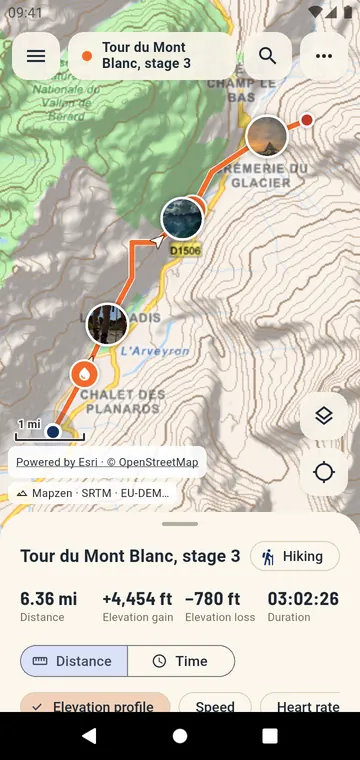
Each photo shows as a thumbnail on the map and as a mark on the elevation profile. Tap one to open the viewer, swipe to the next.
Your photos stay private
The app keeps a reduced copy of each photo in its own storage, without the location and camera details of the original. Nothing is uploaded. Photos go with the track into KMZ exports, PDF reports and backups.